Paper · 2026
Paper: Vector Editing
Helping users get their designs looking just right by introducing Paper's Vector Editing feature.
Direction · Design · Animation
The Problem
AI has made it possible to go from an idea to a working interface in minutes.
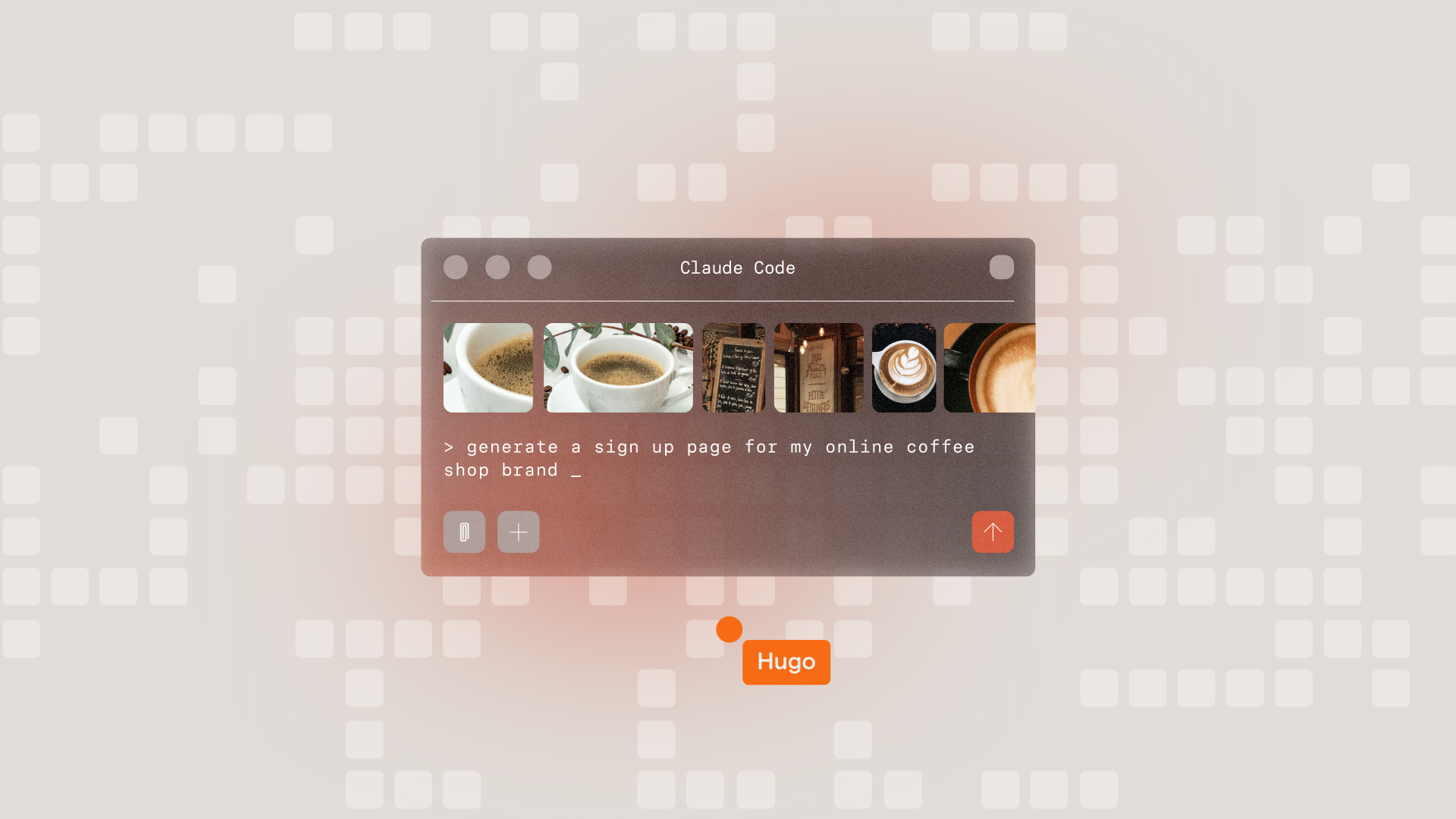
But once the broad strokes are there, the smallest changes can become strangely difficult. A curve feels wrong. An icon needs adjusting. A headline needs a little more character. Suddenly, making a simple visual change means finding the right words to explain it to an agent.
Sometimes describing the change takes longer than making it.
Insight
Generation is brilliant at getting you close. Design happens in everything that comes after.
The details that make something feel considered are often difficult to describe, but immediately obvious when you can see and manipulate them.
Designers don’t always want to prompt their way to the answer. Sometimes they just want to reach in and move the point themselves.
The Idea
We built the film around that moment of wanting to take control back.
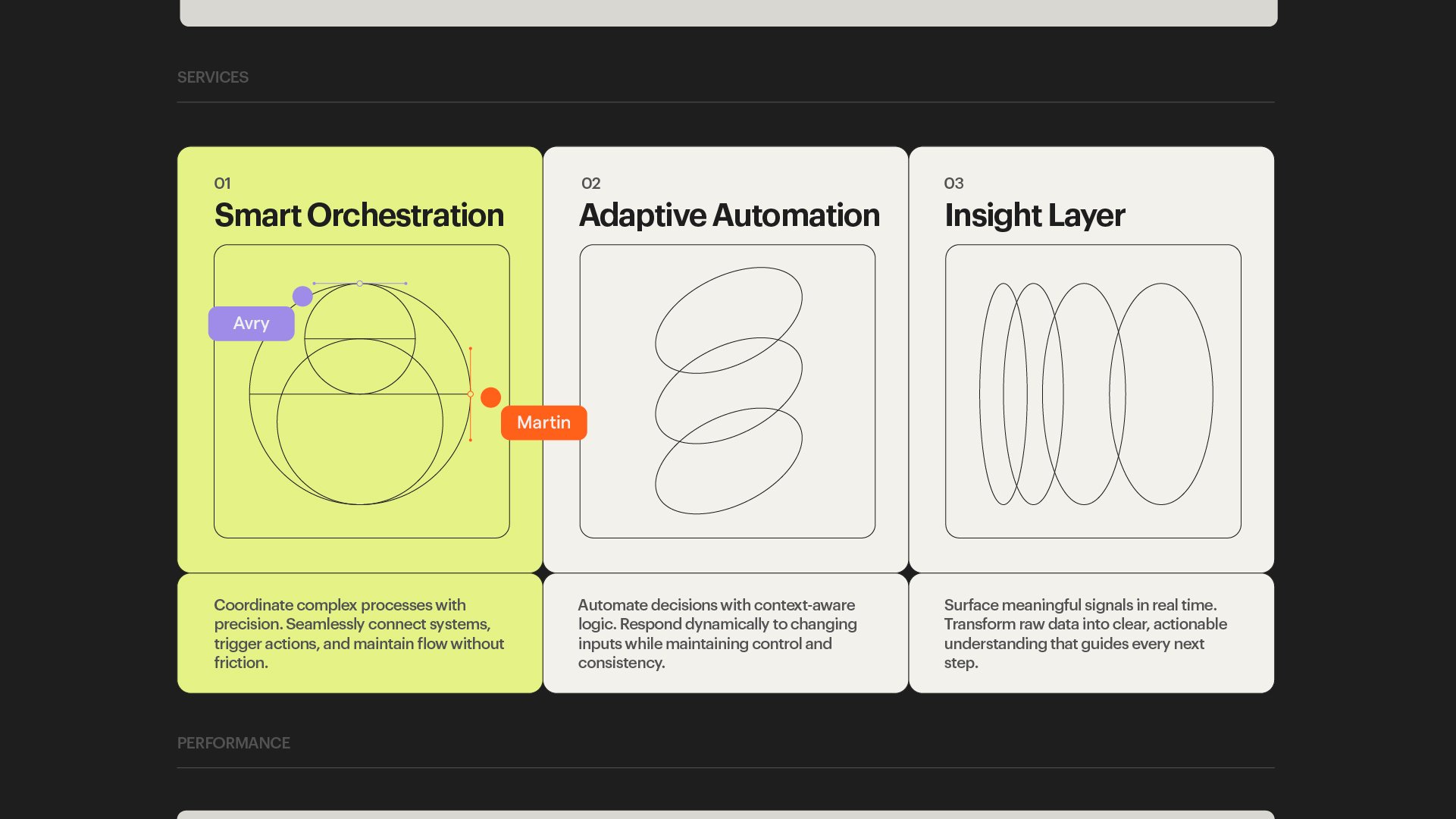
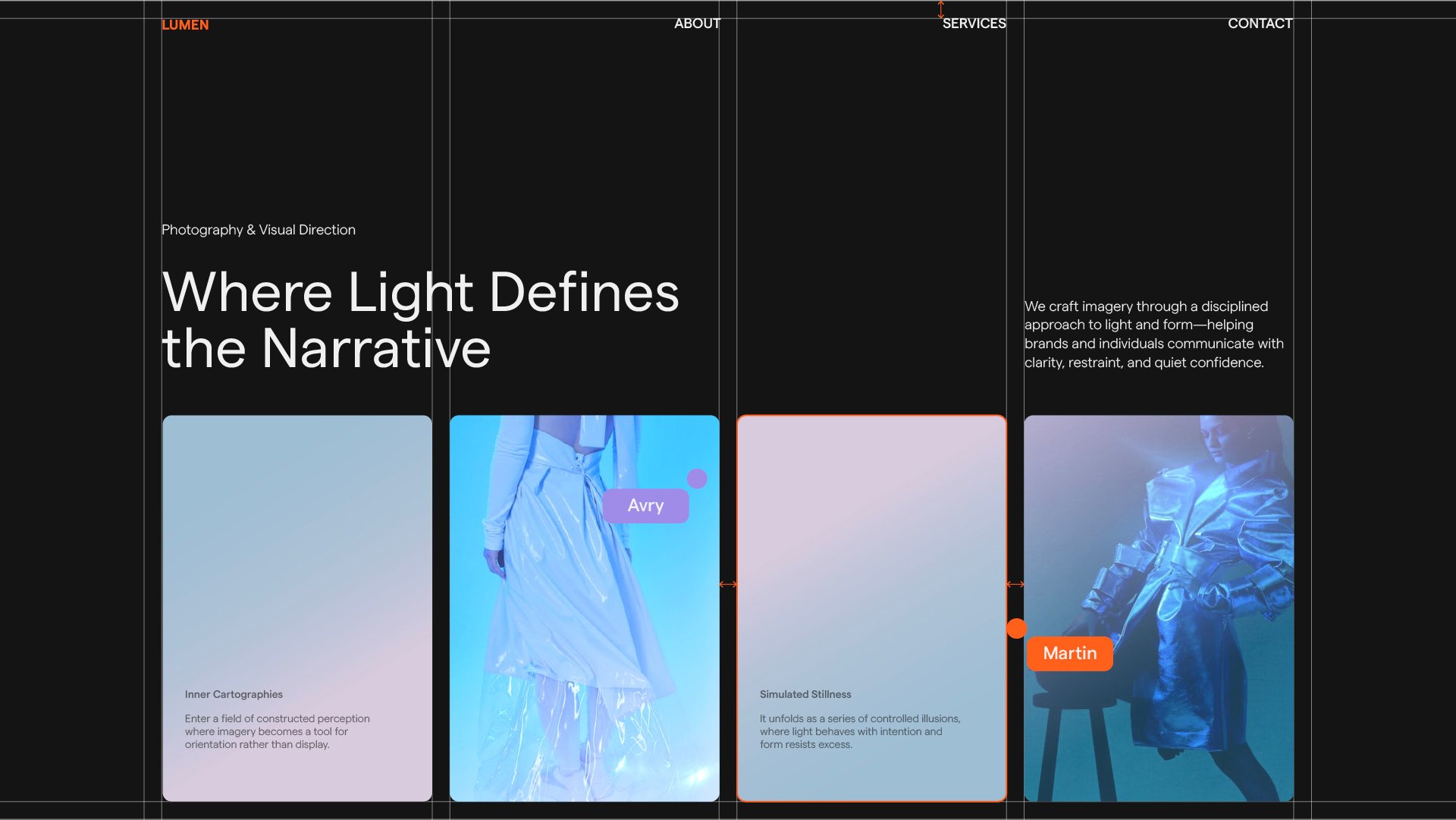
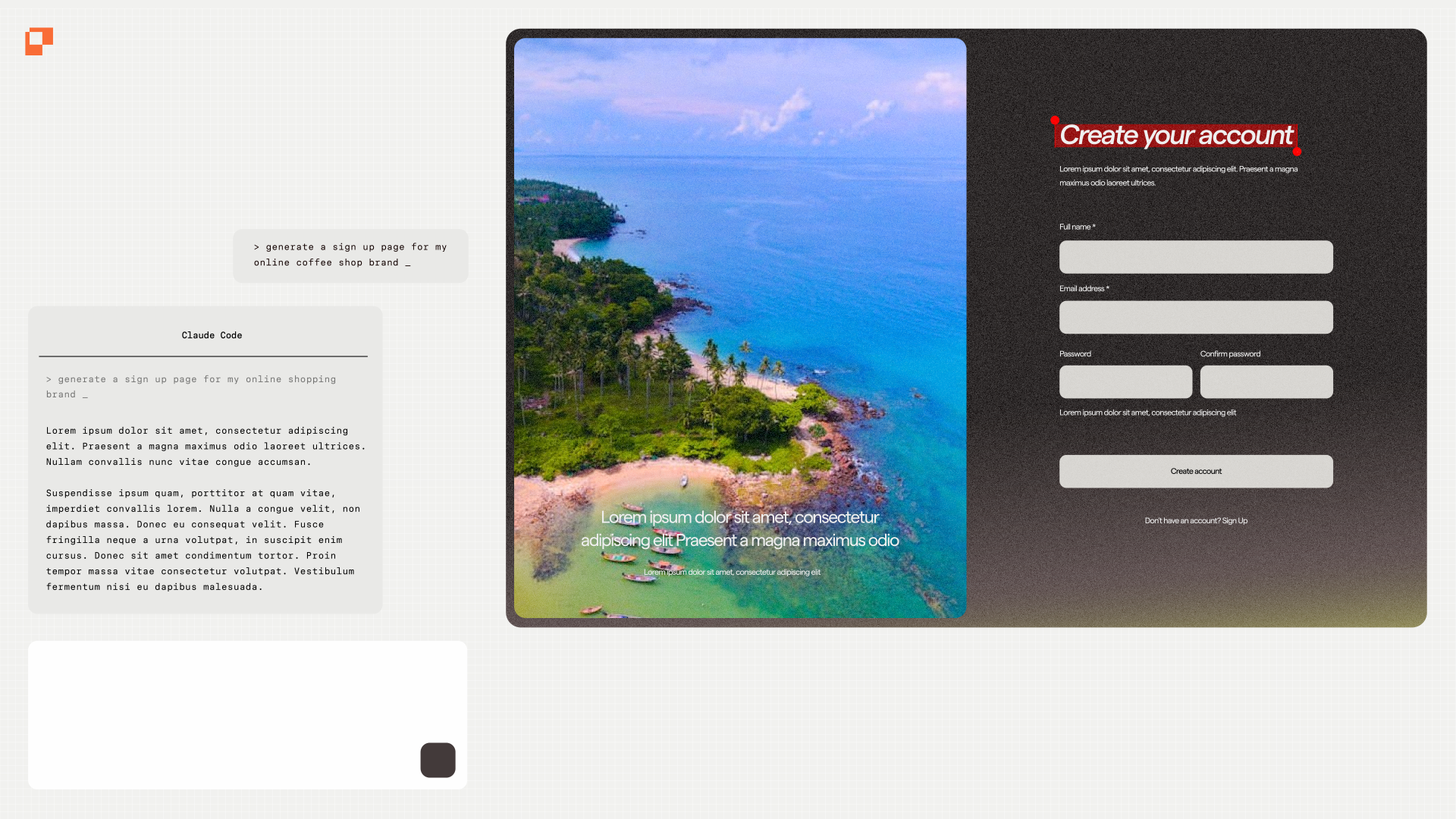
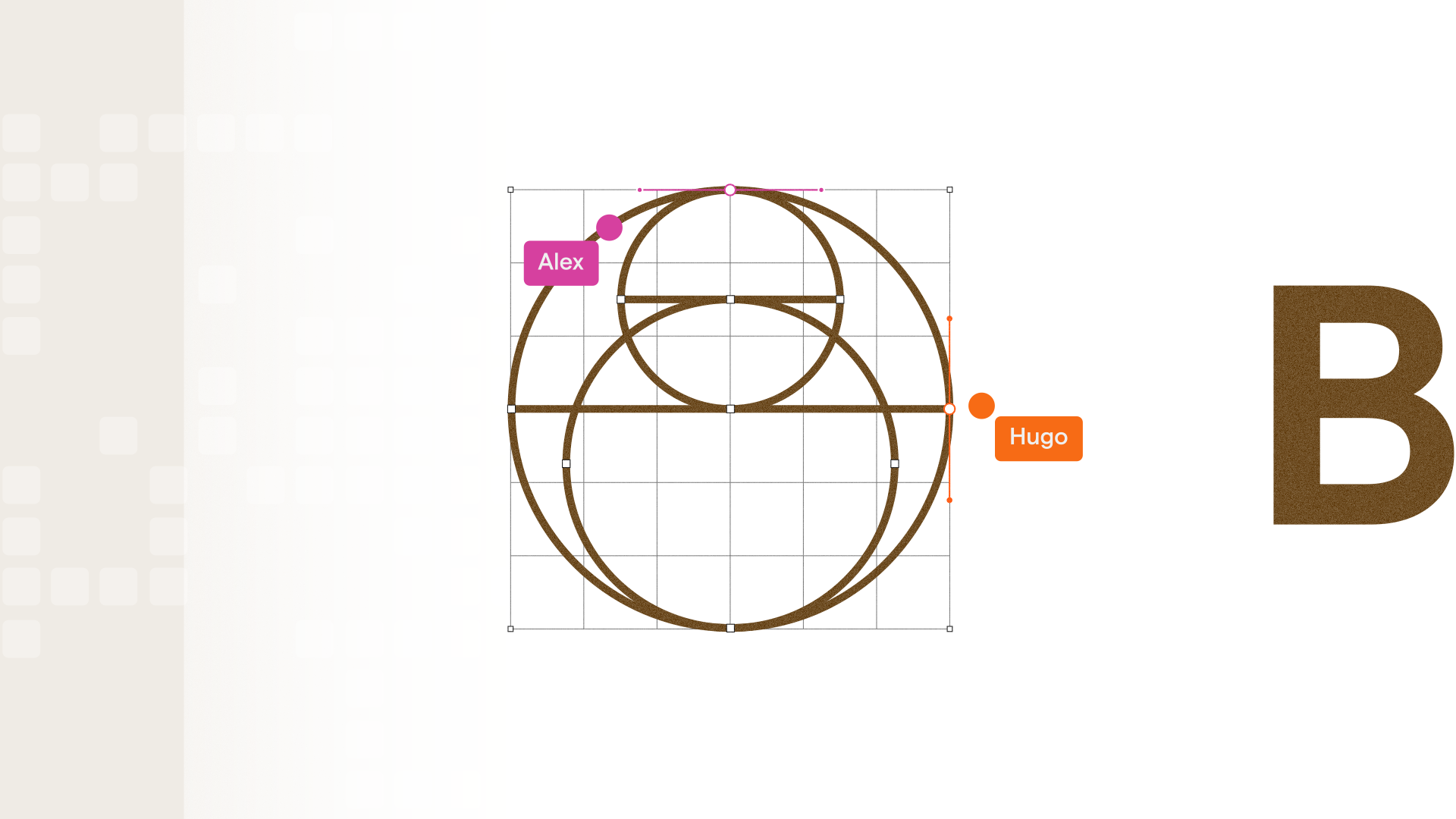
After opening on the friction of repeatedly prompting an almost-finished interface, we reveal Vector Editing in Paper and shift from describing changes to making them directly.
The Result
The film moves from friction to freedom.
What begins as an interface shaped through prompts gradually becomes something more deliberate, distinctive and human as direct control returns to the designer.
Have a project in mind?
Credits
- ClientPaper
- Paper TeamStephen Haney, Agu, Alex Harri
- DirectionWill Taylor
- ProducingJackson Redford, Katy Shetler
- Design & AnimationKendall Gathas, Chaewon Kang, Connor Roy-Shaw, Will Taylor